Here is a quick run through of installing Windows Server 2025
You can download an evaluation here
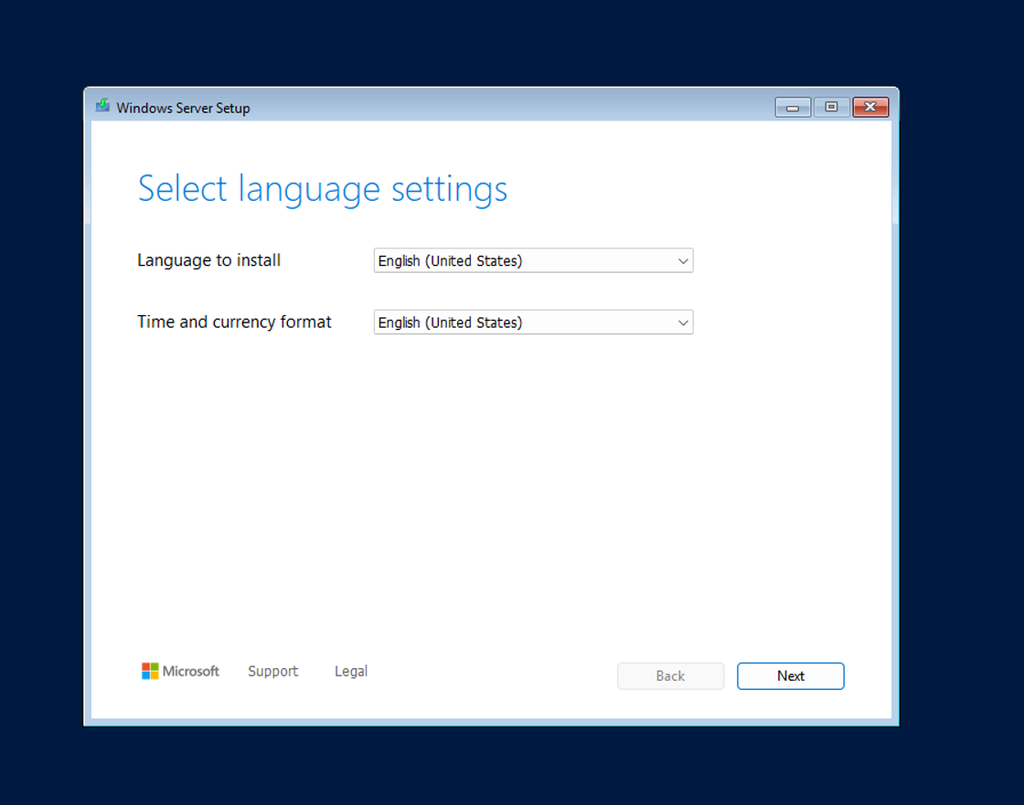
- Choose your language then click Next
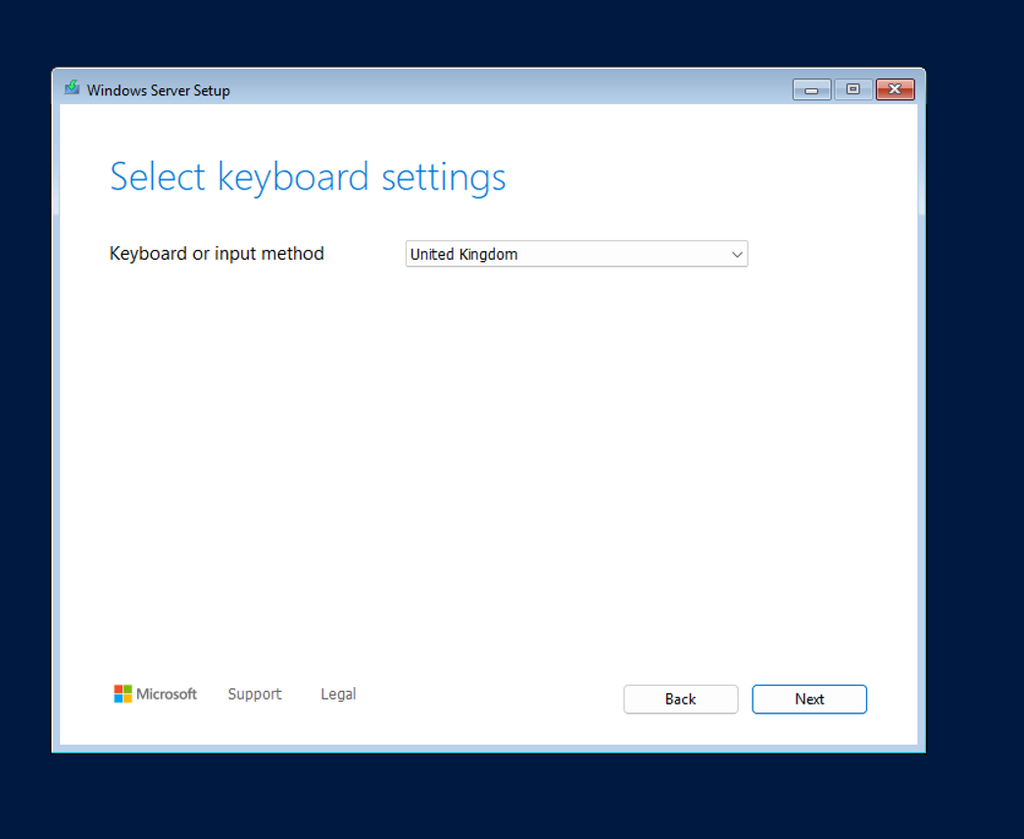
- Choose Keyboard settings
- Tick ‘I Agree’
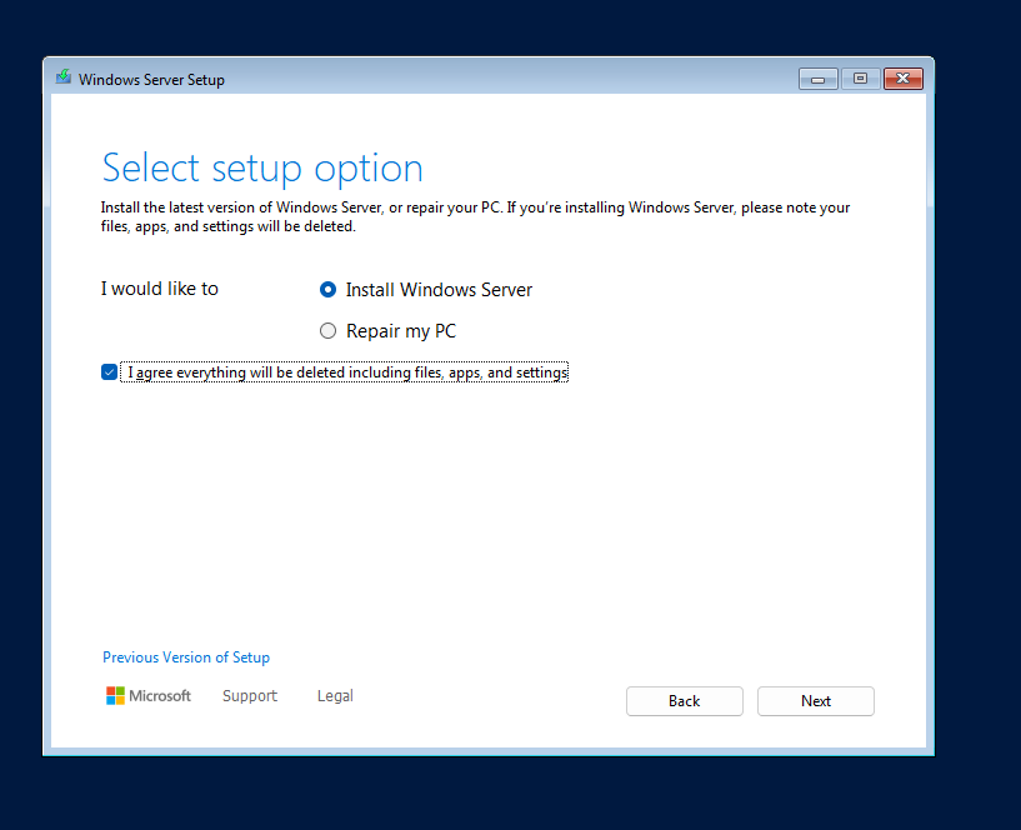
- If you click ‘Previous Version of Setup’ it takes you to classic installation
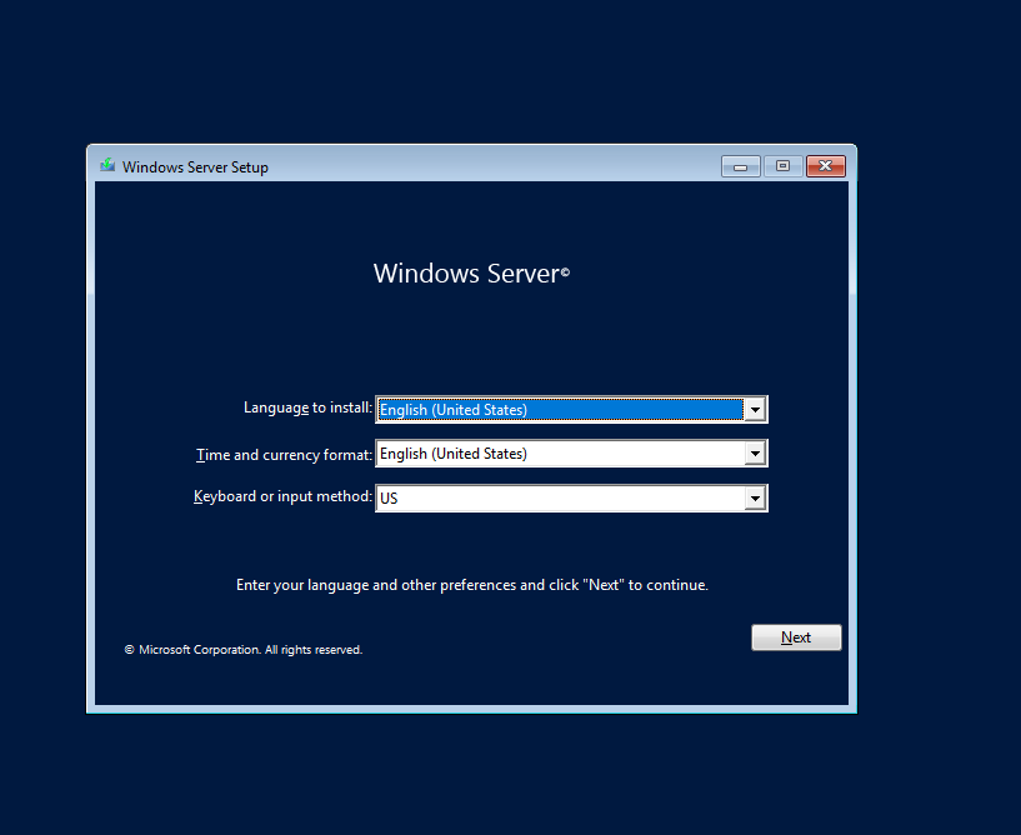
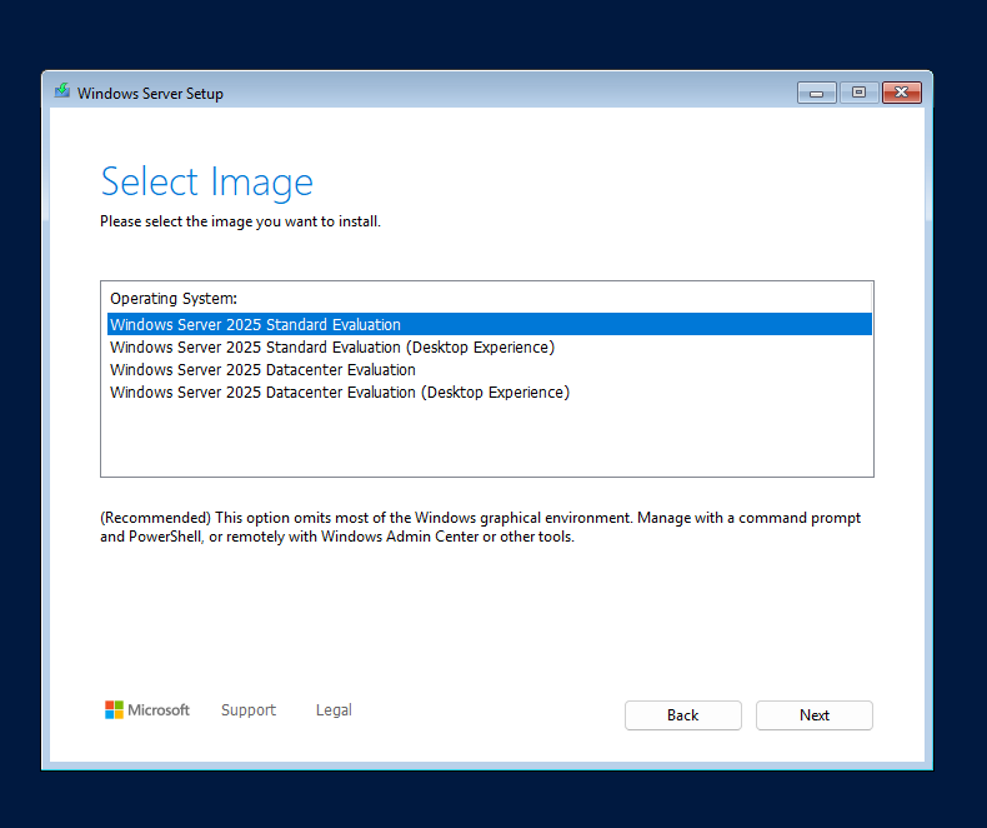
- Choose the server version you wish to install
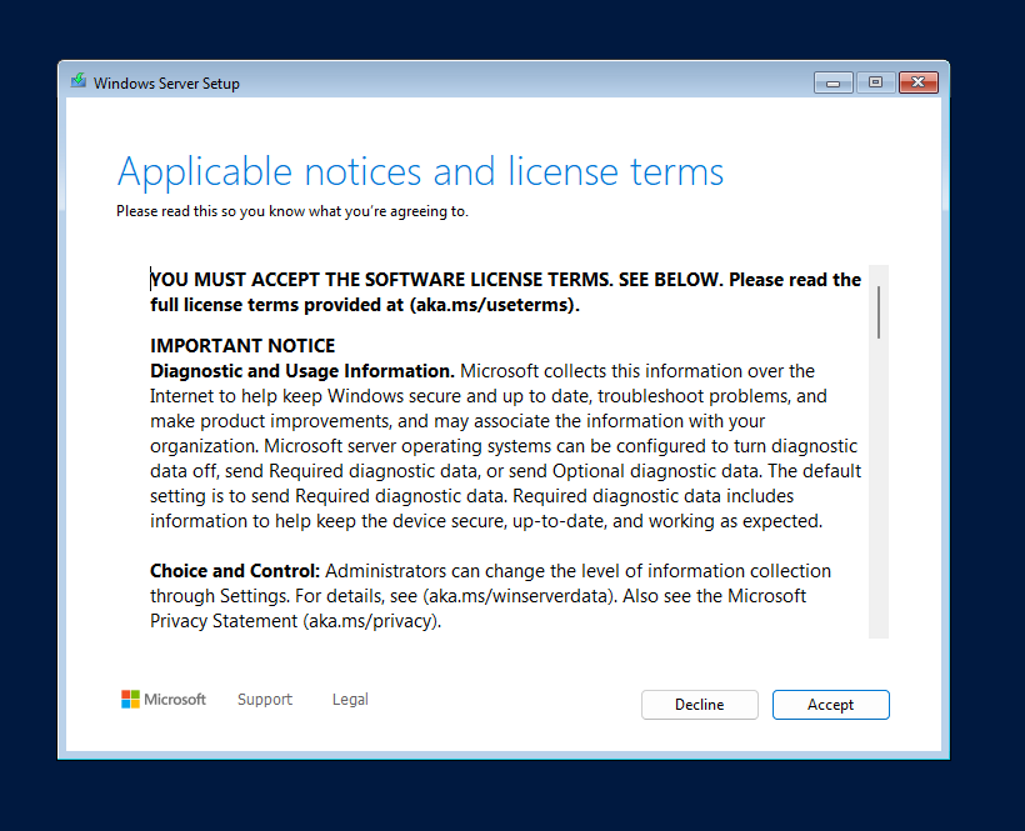
- Accept Terms and Conditions
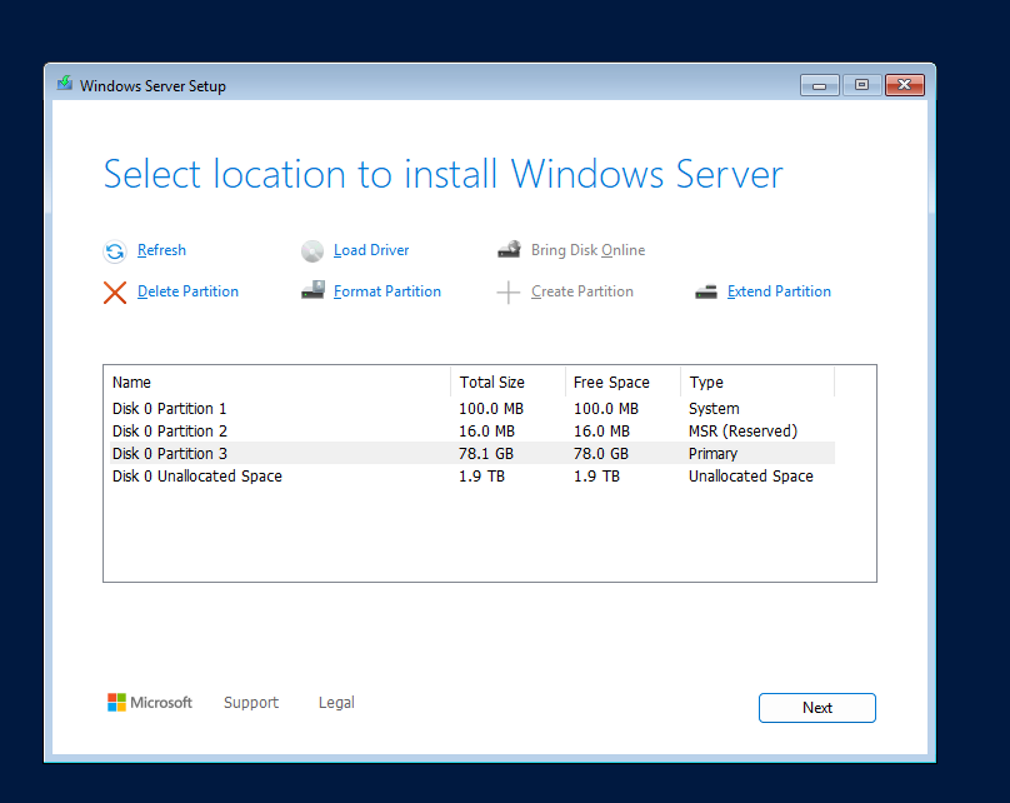
- Create a Partition. I’ve decided to go with 80GB
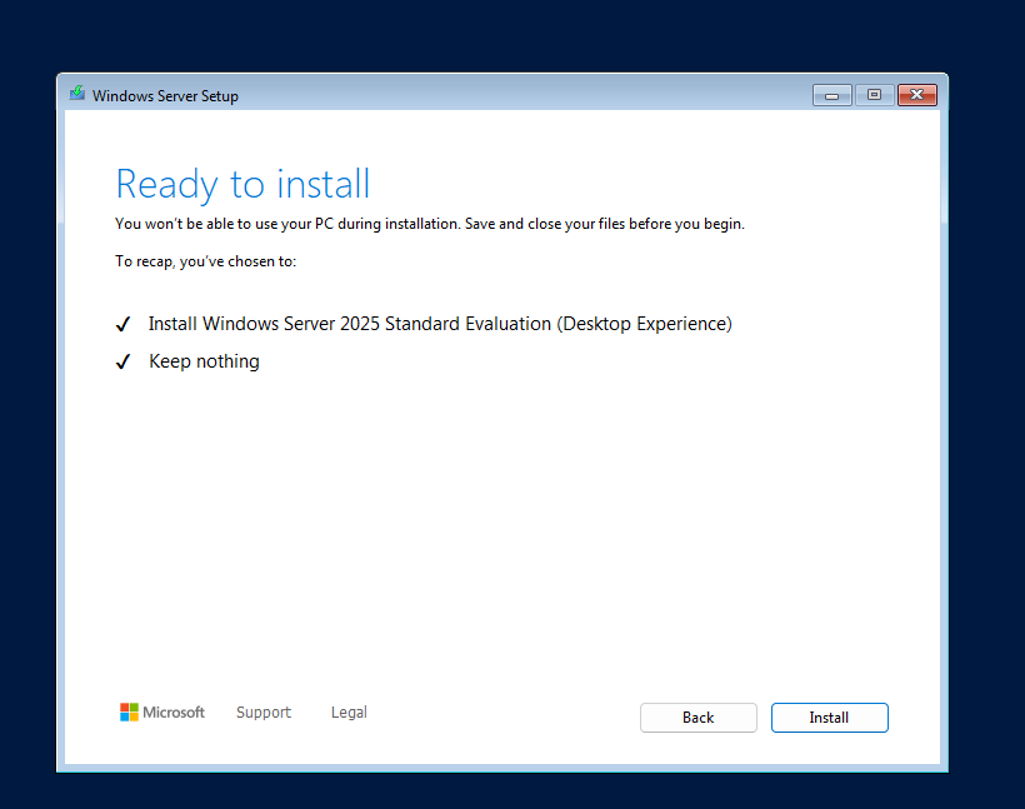
- Click Install
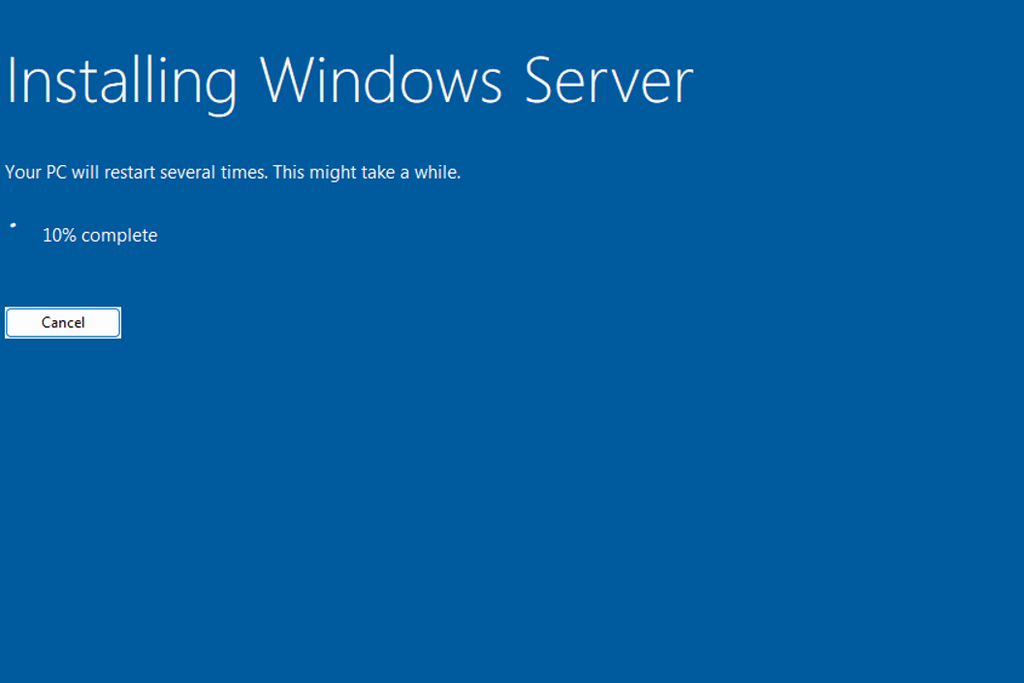
- Wait for installation to complete
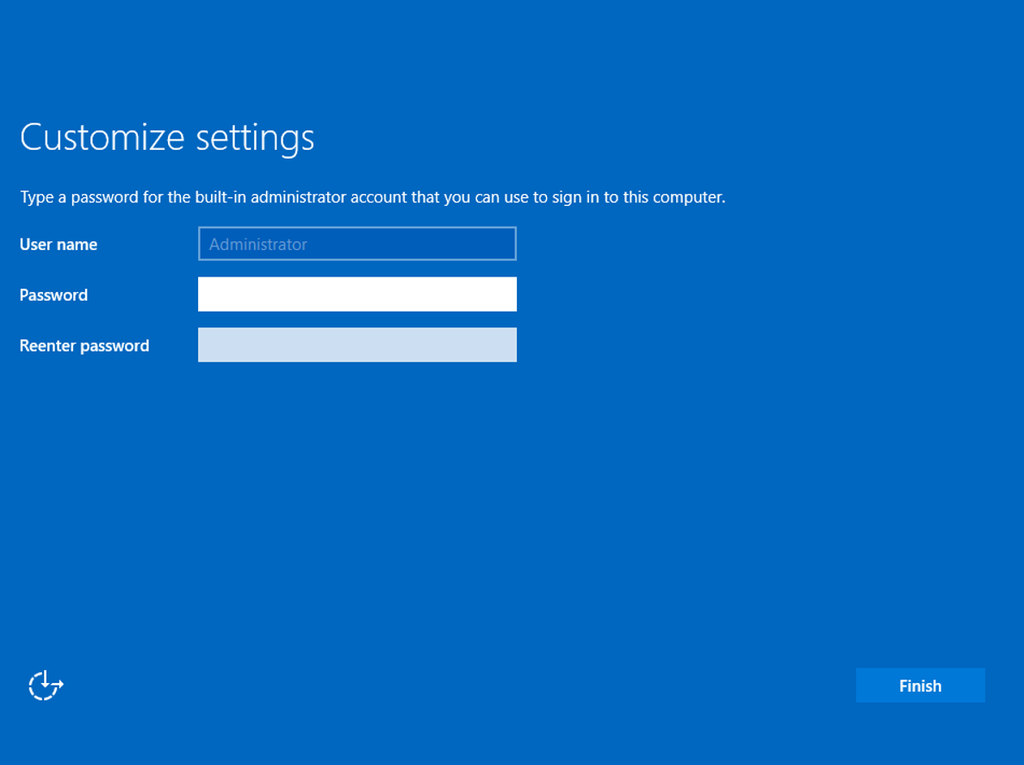
- After reboot you get prompted for password
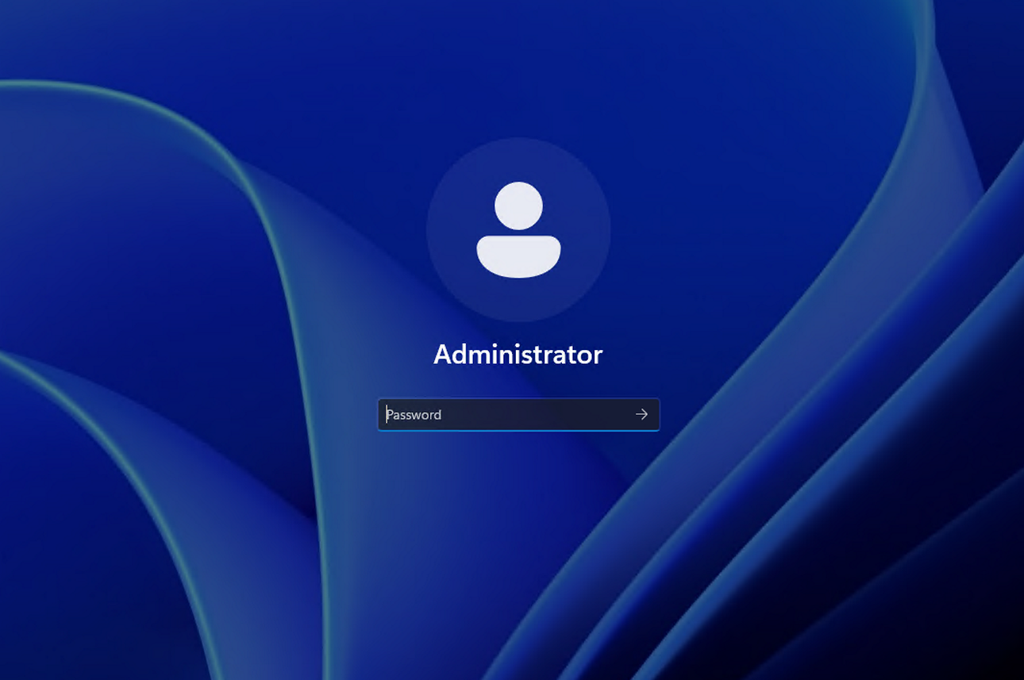
- And that’s it, you’ve installed Windows Server 2025

0 Comments